

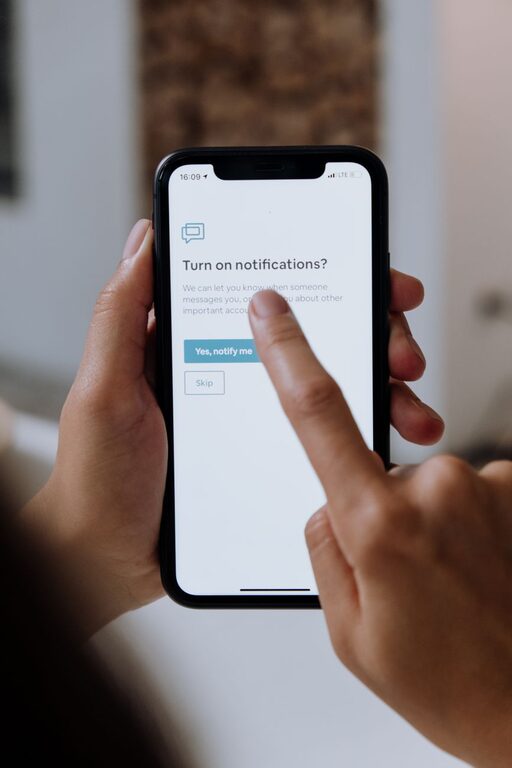
In today’s hyper-connected world, notifications are constantly vying for our attention. From smartphone alerts to desktop pop-ups, these interruptions can disrupt focus, increase stress, and reduce productivity. Setting clear boundaries with notifications is essential to maintain control over your time and mental space.
In this post, we’ll explore practical tips for managing notifications effectively, so you can stay focused and regain balance in your digital life.
Why Setting Boundaries with Notifications Matters
Notifications are designed to capture your attention — often immediately. While some alerts are important (like calendar reminders or urgent messages), many are unnecessary distractions. Without boundaries, you risk:
– Losing concentration on important tasks
– Feeling overwhelmed by constant interruptions
– Experiencing increased stress and fatigue
– Reducing overall productivity
By creating intentional notification habits, you can limit distractions and improve your ability to focus.
Assess Your Current Notification Habits
Before making changes, it’s helpful to take stock of your current notification situation.
– Review your devices: Check which apps and platforms send you notifications.
– Identify priorities: Decide which notifications are truly necessary (e.g., calls from family, work emails) and which can wait or be turned off.
– Notice patterns: When do notifications distract you most? During focused work, meetings, or downtime?
Understanding your starting point helps you create boundaries that fit your lifestyle.
Tips for Setting Boundaries with Notifications
1. Customize Notification Settings by App
Most devices let you tailor notification preferences for each app. Take advantage of this:
– Disable non-urgent notifications (like social media likes or game invites).
– Enable “silent” or “badge only” notifications that don’t make noise or appear on your lock screen.
– Prioritize alerts for essential apps like calendar, messaging, or work tools.
2. Use “Do Not Disturb” and Focus Modes
Both smartphones and computers offer modes to silence notifications temporarily:
– Schedule “Do Not Disturb” during work hours, meetings, or sleep.
– Use focus modes that allow notifications from select contacts or apps only.
– Activate these modes manually when concentrating on tasks that require deep focus.
3. Set Specific Times to Check Notifications
Instead of reacting instantly, designate times to review alerts:
– Check email and messages at set intervals (e.g., every 1–2 hours).
– Turn off push notifications to avoid constant interruptions.
– Batch your responses to minimize task switching.
4. Turn Off Notifications on Less-Important Devices
If you use multiple devices (smartphone, tablet, laptop, smartwatch), consider turning off notifications on secondary devices to reduce distractions.
5. Manage Social Media Alerts Carefully
Social platforms are notorious for frequent notifications:
– Disable push notifications for likes, comments, and shares.
– Limit alerts to direct messages or mentions only.
– Use app timers or usage limits to control screen time.
6. Inform Friends and Colleagues of Your Notification Preferences
Communicate your availability and preferred contact methods, so others know when you may be unreachable.
7. Use Visual Cues, Not Just Sounds
Set notifications to be silent but visible as badges or banners, so you can glance at them when ready rather than being startled by noise.
8. Regularly Review and Update Notification Settings
Your needs may change over time. Make it a habit to revisit your notification preferences every few weeks or months.
Additional Tools to Help Manage Notifications
– Notification management apps: Some apps can help aggregate and filter notifications intelligently.
– Task management tools: Organize tasks and communications to reduce reliance on alerts.
– Focus apps: Use apps designed to block distractions during designated work periods.
Benefits of Setting Boundaries with Notifications
By establishing healthy notification habits, you can expect:
– Improved concentration and productivity
– Reduced stress and mental clutter
– Better work-life balance
– More intentional and mindful use of technology
Final Thoughts
Notifications can be helpful, but without boundaries, they can hinder focus and well-being. By customizing settings, using “Do Not Disturb” features, scheduling check-ins, and communicating your preferences, you take control of your digital environment.
Start small by adjusting one or two apps, and gradually build a notification system that supports your goals. With clear boundaries in place, you’ll find it easier to concentrate, enjoy breaks, and maintain balance in a noisy digital world.